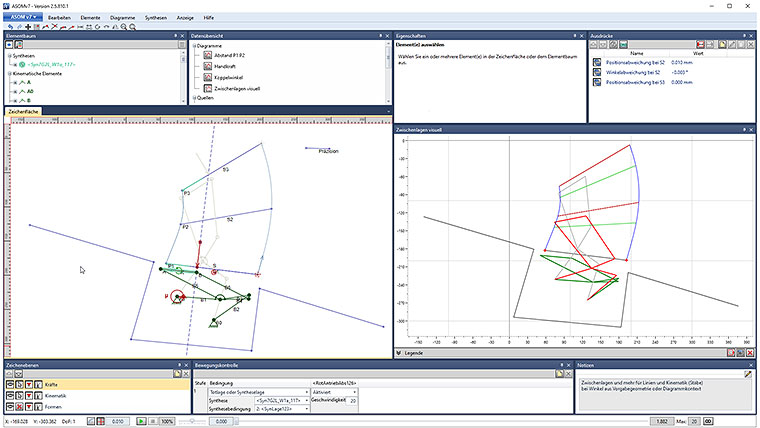
Slide and roll a arbitrary shape on an arbitrary shape
These examples show that the kinematics software ASOMv10 also makes it possible to slide and roll arbitrary shapes on arbitrary shapes.
These examples show that the kinematics software ASOMv10 also makes it possible to slide and roll arbitrary shapes on arbitrary shapes.
These examples show that the kinematics software ASOMv10 also makes it possible to have arbitrary shapes slide or roll on each other.
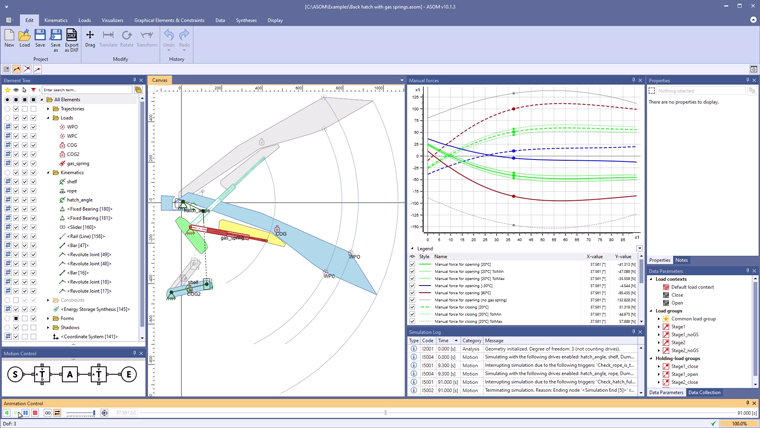
In this example, the ASOMv10 kinematics software simulates a back hatch with gas spring support that has a hat shelf as an additional feature.
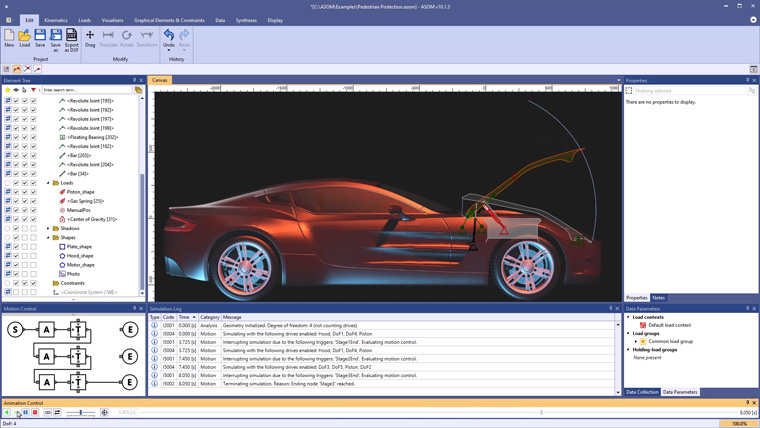
In this example, the kinematics software ASOMv10 is used to simulate a possible mechanism for a hood with active pedestrian protection.
In this example, the kinematics software ASOMv10 simulates the mechanism for a car seat in automatic mode, operated by an electric motor.
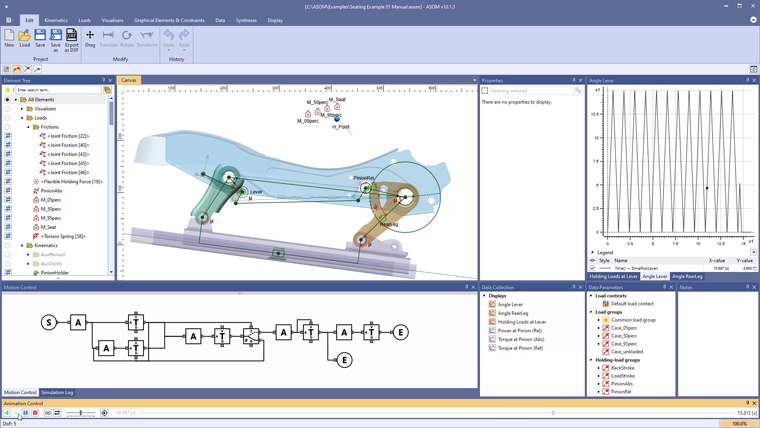
In this example, the kinematics software ASOMv10 simulates the mechanism for a car seat in manual mode, operated by a lever.
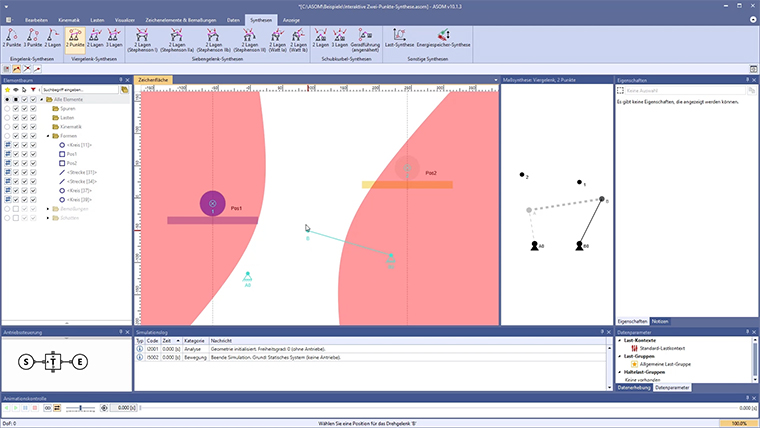
In this example, the interactive tool of two-point synthesis for four-bar systems is demonstrated in the kinematics software ASOMv10.
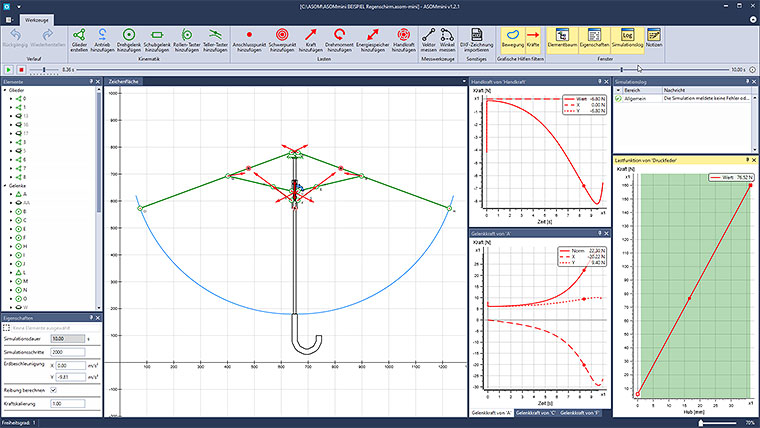
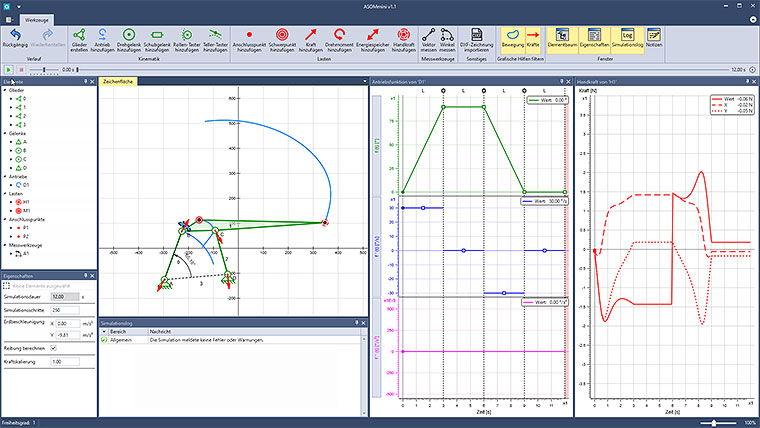
This example video shows how a typical umbrella can be modeled and analyzed kinematically in ASOMmini.
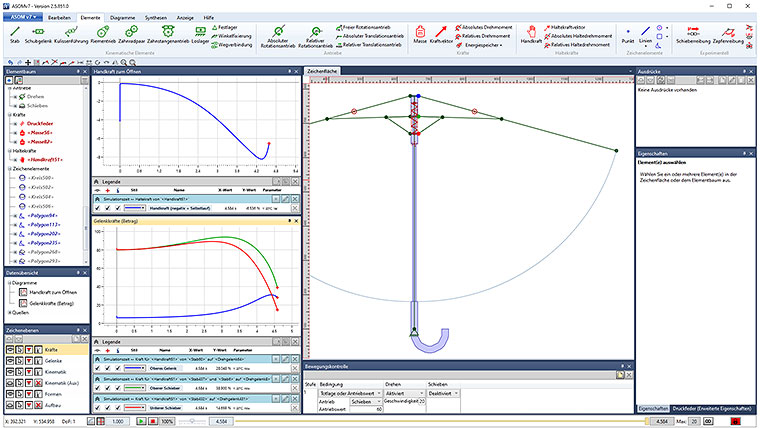
In this video the example of a typical umbrella is used to demonstrate how to purposefully create variations of a kinematic system in ASOMv7 in order to find better solutions.
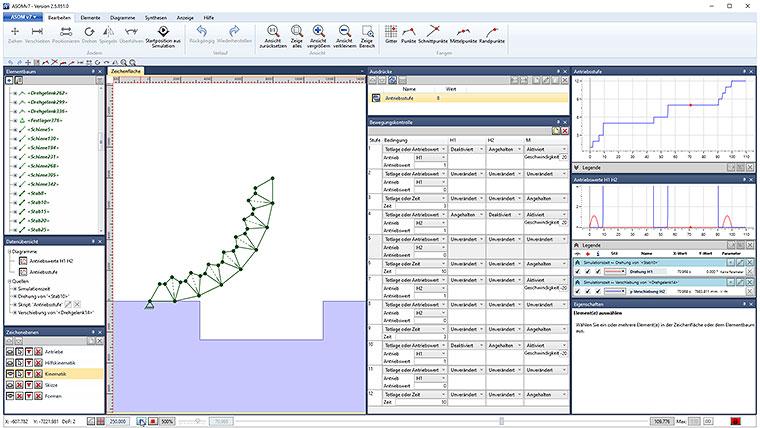
This video shows how complex sequences of motions can be created and analyzed with the kinematics software ASOMv7 using the example of a rolling bridge.
This example shows that the force conditions for a six-bar hinge mechanism on the flap door of a kitchen cabinet (see last video) can also be checked quickly and easily with the kinematics software ASOMmini.
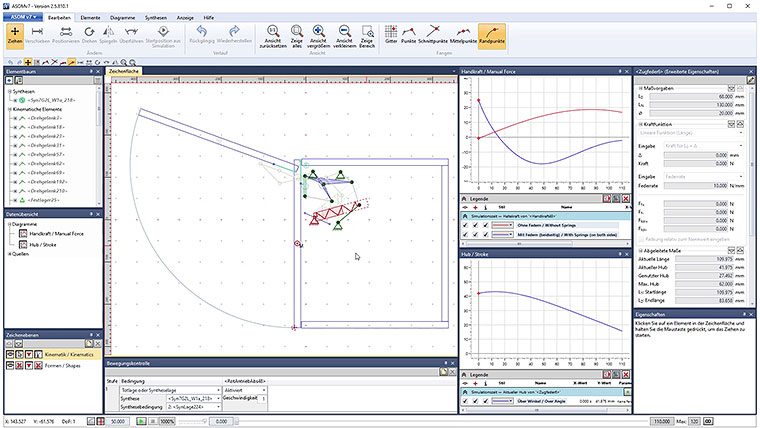
This example shows how the force conditions for a six-bar hinge mechanism on the flap door of a kitchen wall unit can be checked quickly and easily with the kinematics software ASOMv7.
In cases where a third plane condition is not offered by a synthesis, script data sources can also be used as an even more convenient way to check a middle plane condition by reproducing the relevant part of the canvas ...
In cases where a third plane condition is not offered by a synthesis, you can, for example, alternatively use our script system together with diagrams, to check in real time how well a middle plane condition is met.
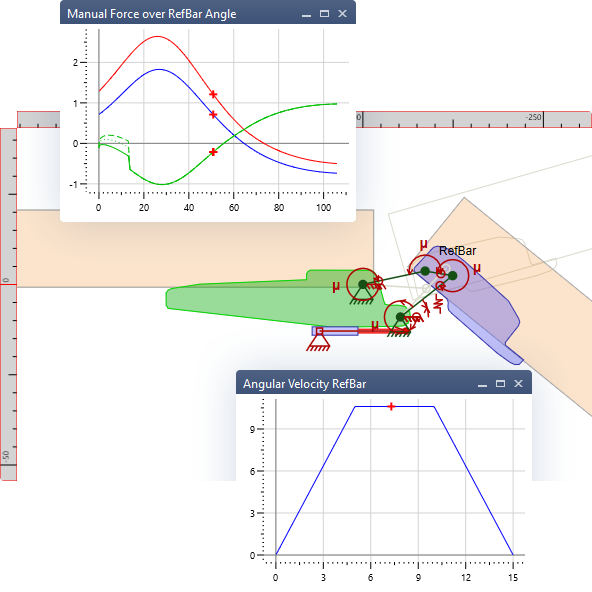
Use the new manual force element in ASOMmini (version 1.1 and higher) to see in real time how the necessary manual force to drive your system with its pre-defined motion profile develops while changes are made.