Example videos

With our case studies, we show you how easy and straightforward it is to use ASOMv10, ASOMv7 and ASOMmini. Even for complex tasks, you will quickly arrive at the right solution.

Image consisting of components of the user interface of ASOM v7 kinematics software highlighting the advantage ""
  • All
  • ASOMmini
  • ASOMv10
  • ASOMv7
ASOMv10
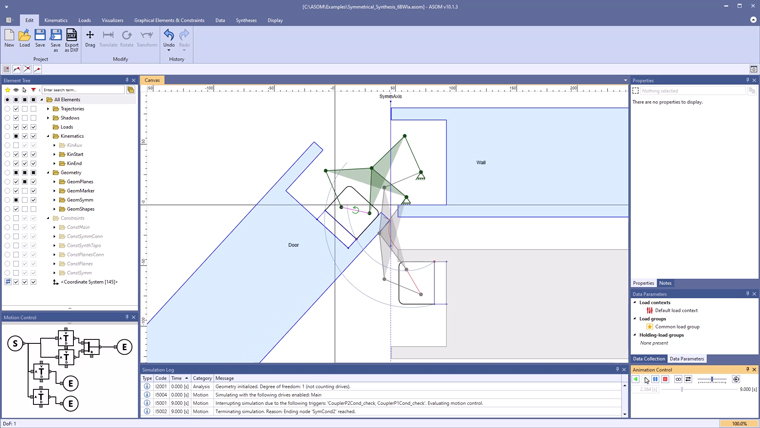
Symmetrical Synthesis for 6-bar Linkage (Watt 1a)

This example in the kinematics software ASOM v10 demonstrates how you can now create syntheses using the new parametric constraints alone, which can then even have additional properties, such as symmetry of the joint positions in relation to a vertical ...

ASOMv10Miscellaneous
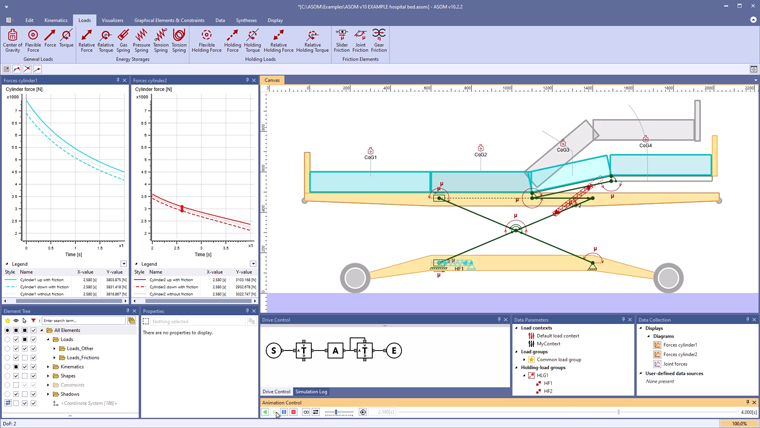
Kinematics of a hospital bed in ASOM

Hospital beds are equipped with two essential drives: one for adjusting the height of the entire bed and another for tilting the foot section. In reality, such systems often use spindle drives.

ASOMv10Automotive industry
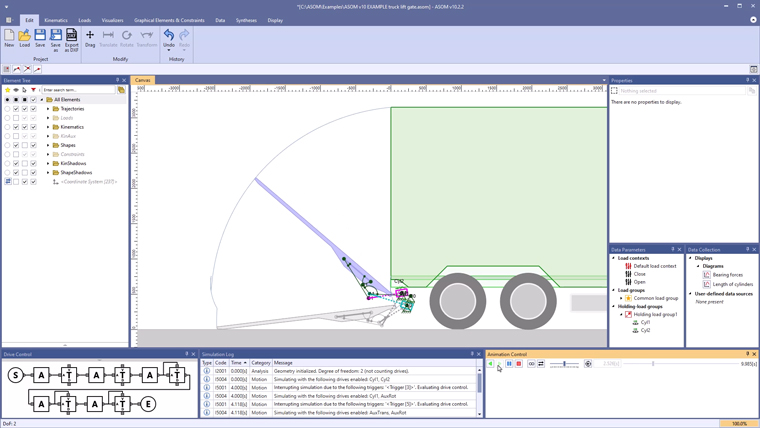
Kinematics of a truck lift gate in ASOM

The example shows a conceptual kinematic design for a truck tailgate lift or lift gate, as a linkage (degrees of freedom =2), driven by two hydraulic cylinders.

ASOMv10Miscellaneous
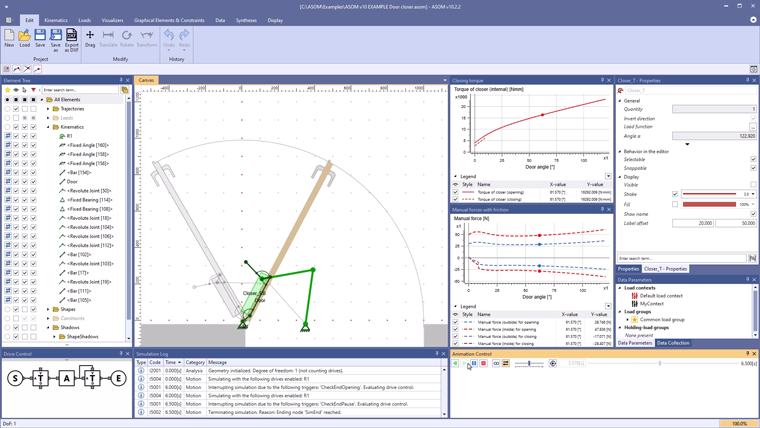
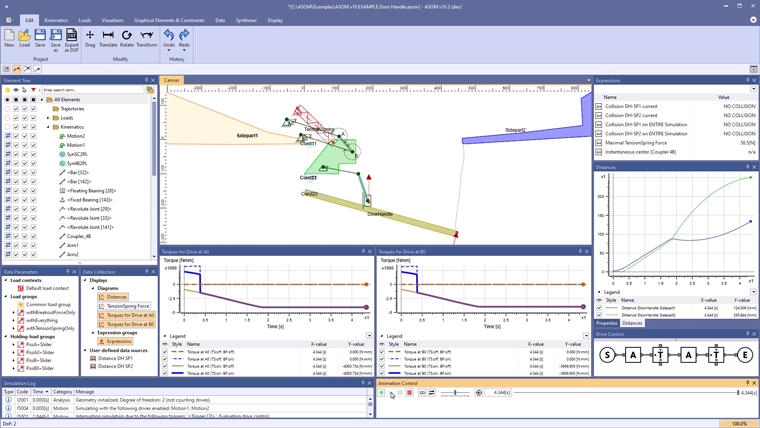
Kinematics for a door closer

The example shows the externally visible components of a door closing system and the associated forces when the door is operated manually.

ASOMv10Miscellaneous
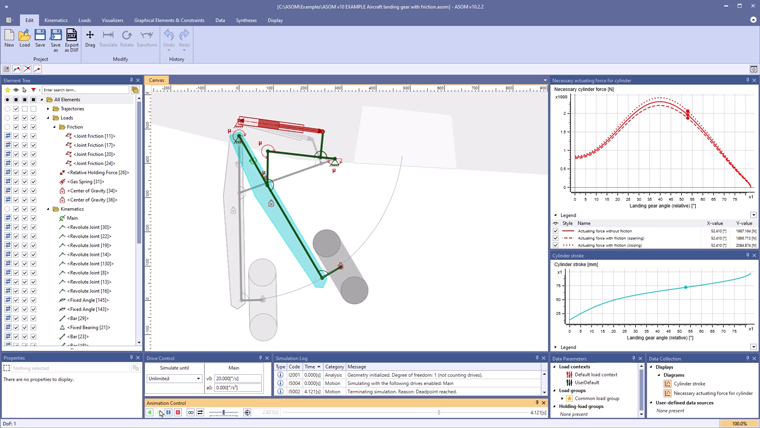
Aircraft landing gear with bearing friction

This case study demonstrates the deployment and retraction of an aircraft landing gear with bearing friction using the ASOM kinematics software. The model views the gear's movement along the aircraft axis and is applicable only during flight before touchdown.

ASOMv10Automotive industry
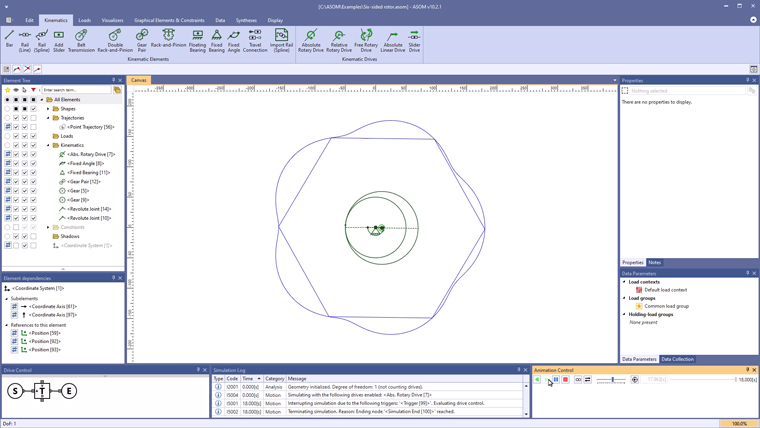
Variations of a Wankel engine

Examples for the simulation of 4 different rotor shape variations for a Wankel engine with our kinematics software ASOM.

ASOMv10Automotive industry
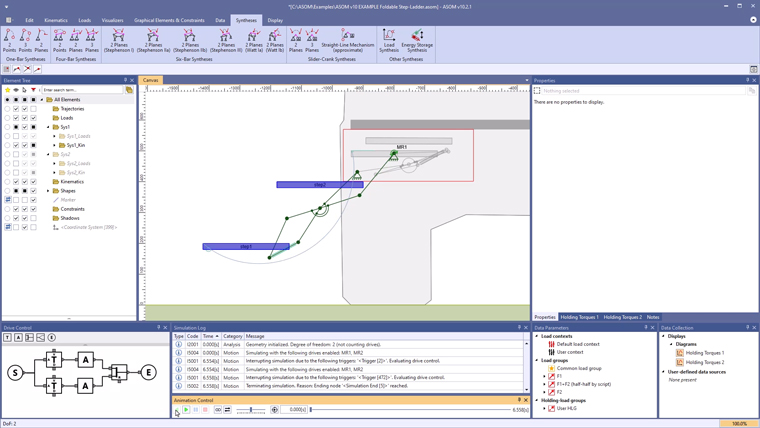
Foldable step ladder for a mobile home with ASOM

Using the example of a two-step folding ladder for a mobile home, it is shown how two systems can be organized in different folders in the element tree for the purpose of a direct comparison.

ASOMv10
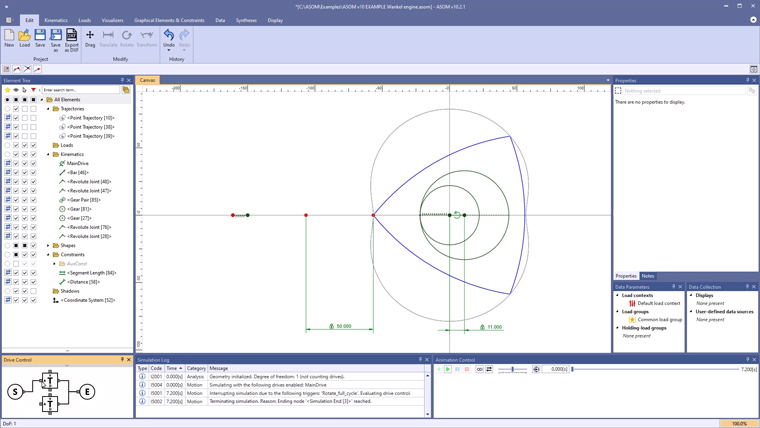
Simulation of a wankel engine with ASOM

Example for the simulation of a Wankel engine with ASOM. For a triangular Wankel piston, the ratio between gear and gear ring must be a constant 2:3. This is ensured here by hidden constraints.

ASOMv10Miscellaneous
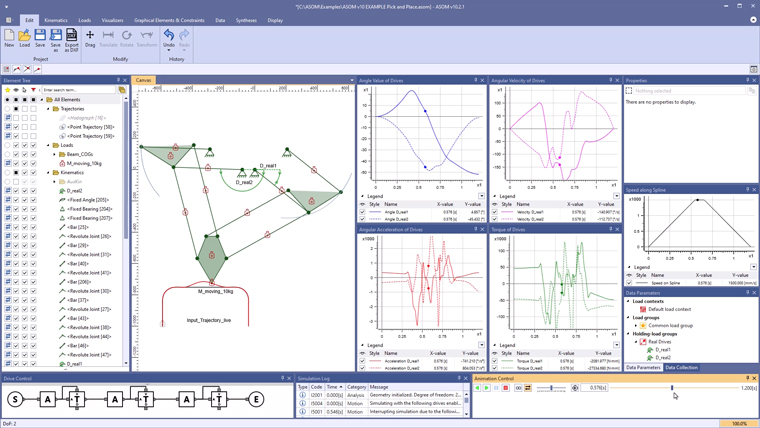
Pick-and-place mechanism with ASOM

Example of a generic parallel pick-and-place mechanism in ASOM v10 with two degrees of freedom. The model is set up in such a way that its drive sits on the specified curve and drives the definition point over the curve ...

ASOMv10Automotive industry
Kinematics of a flush-mounted retractable door handle

Example for the design of a mechanism for a flush-mounted retractable door handle with separate kinematic syntheses for the two partial systems (two syntheses “in series”).

ASOMv10Automotive industry
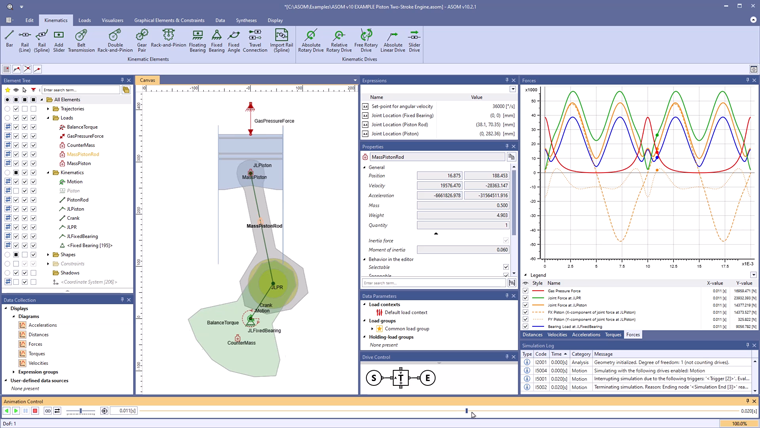
Piston of a Two-Stroke Engine in ASOM v10

In this example, the bearing forces at a cylinder piston of a two-stroke engine are determined in a simplified way.

ASOMv10Miscellaneous
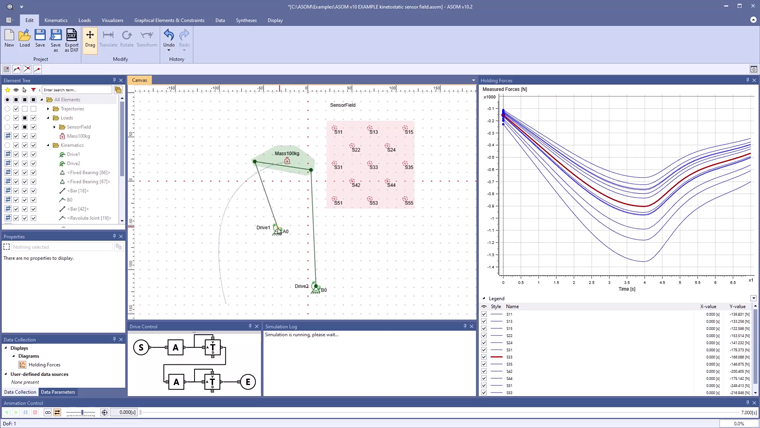
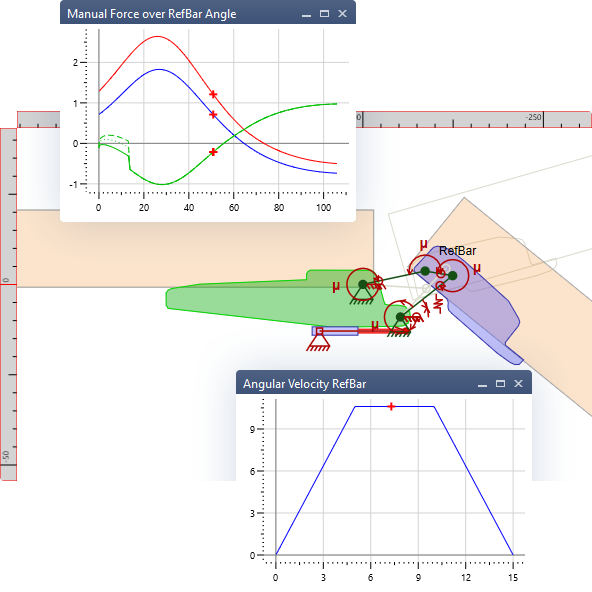
Kinetostatic sensor field in ASOM v10

In this example of a four-bar linkage, multiple manual force curves are determined in real time. The concept can of course also be applied to any other type of multi-bar linkage. The kinematic analysis can also be extended, e.g. to ...

ASOMv10Miscellaneous
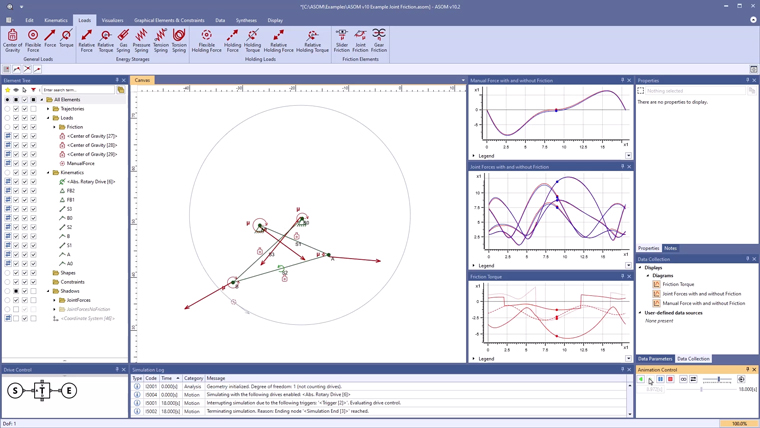
Implement joint friction in kinematic models

This example shows how to implement joint friction for revolute joints in kinematic models in ASOM. With the aid of joint friction elements, a pin diameter and a friction coefficient can be managed for each revolute joint.

ASOMv10Miscellaneous
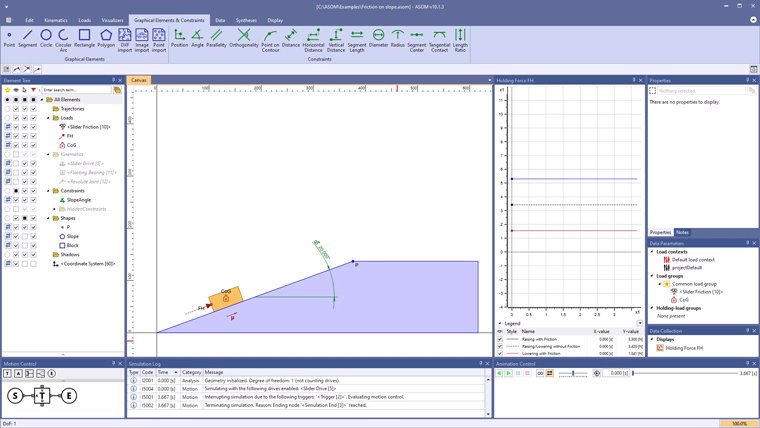
Friction on an inclined plane

This example in the kinematics software ASOM v10 shows how to implement friction for slider/rail contacts in kinematic models, e.g. to realize the friction of a block on an inclined plane.

ASOMv10Miscellaneous
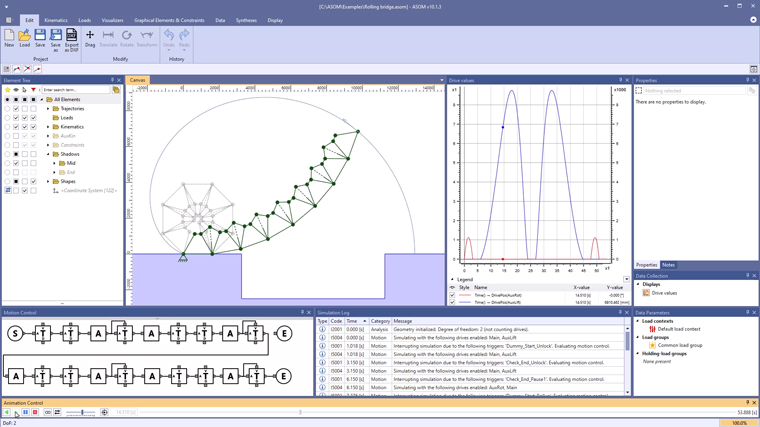
Multiple shadow previews using a rolling bridge as an example

This example of a rolling bridge in ASOM v10 demonstrates how variants in the extended motion control and multiple shadow previews can help you better understand a model without having to play back the simulation completely after each modification.